
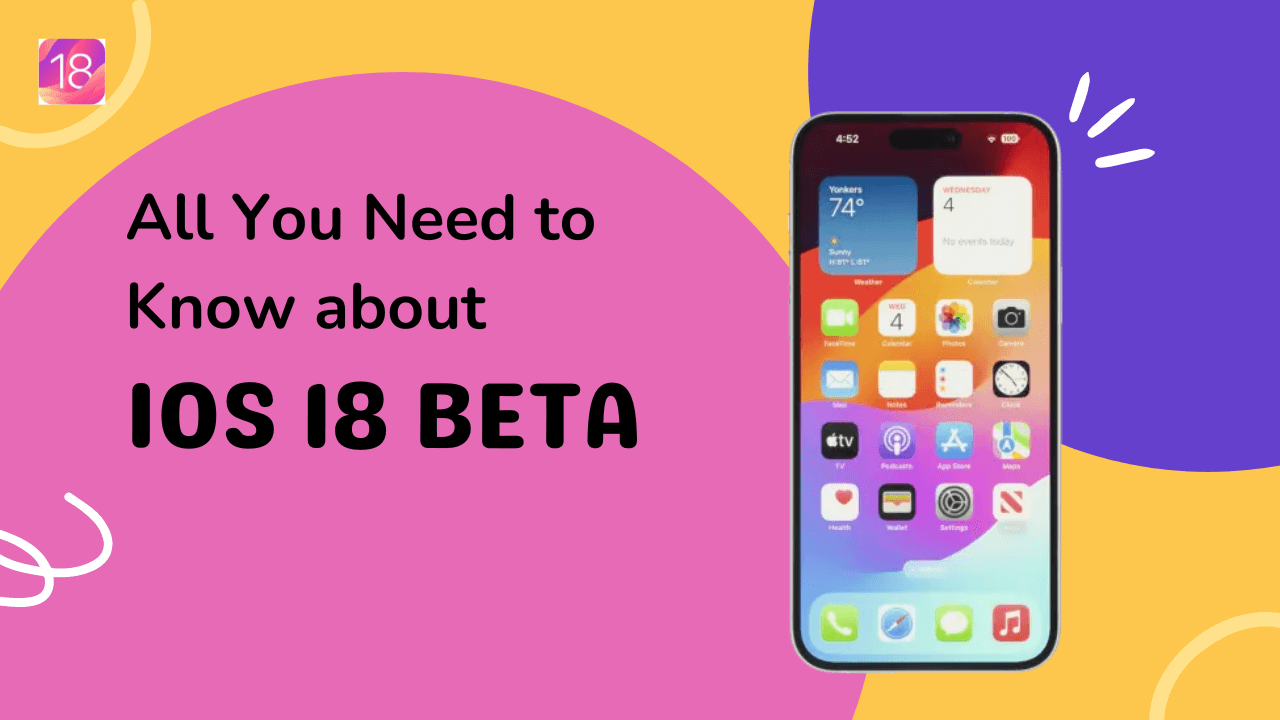
The next-generation operating system for iPhones, iOS 18, will begin rolling out later this year, showcasing several new features like the Apple Intelligence suite, fresh customization options, and an upgraded Control Center, as announced during WWDC 2024. However, if you are eager to experience these upgrades now, you can download the iOS 18 Developer Beta on your iPhone right away.
 |
| iOS 18 Beta |
In previous years, joining the Apple Developer Program required an annual fee of $99. But starting with iOS 17, Apple introduced a new free tier allowing developers and the general public to download the developer beta version of the operating systems for free using their Apple ID.
For those who don't want to wait for the public beta later this year, here's a detailed guide on how to access and install the iOS 18 Developer Beta, as well as important considerations before proceeding.

Why you should reconsider downloading the iOS 18 Developer Beta
Although it is possible to download the iOS 18 Developer Beta, here are several reasons why you might want to think twice:
- Intended for developers: The Developer Beta is designed primarily for developers. It allows Apple to gather feedback and help optimize apps and services for the upcoming OS.
- Unstable and buggy: Developer Beta versions can be highly unstable. Apps and services may stop working, including critical applications like banking apps. The overall performance of your iPhone might also suffer, leading to issues such as lagging, faster battery drain, and increased heat generation.
For these reasons, the Public Beta, which is more stable, might be a better option for most users when it becomes available later this year.
Steps to install the iOS 18 Developer Beta
If you are determined to proceed with the iOS 18 Developer Beta, follow these steps:
Pre-requisites:
- Compatible iPhone: Ensure you have an iPhone XS or newer.
- Latest stable version of iOS: Make sure your device is running the latest stable iOS version.
- Backup your data: Complete a full backup of your data to avoid potential data loss.

How to enroll in the iOS 18 Developer Beta:
- Visit the Apple Developer website.
- Tap the three-dash menu at the top left, then select "Account".
- Sign in using your Apple ID.
- Agree to the Apple Developer terms by checking all the boxes and hitting "Submit" after reading the agreement.

How to install the iOS 18 Developer Beta on your iPhone:
- Open Settings on your iPhone.
- Navigate to General > Software Update.
- Select Beta Updates and choose the iOS 18 Developer Beta.
- Head back and tap Download and Install under the new "iOS 18 Developer Beta" option.

By adhering to these steps, you can enjoy the new features and improvements in iOS 18 ahead of the official release, albeit with some risks associated with beta software.